

Drone Supremacy
Absolute Movie SLOG-3 PowerGrade (Davinci Resolve)
Absolute Movie SLOG-3 PowerGrade (Davinci Resolve)
Couldn't load pickup availability
Absolute Movie: DaVinci Resolve PowerGrade for Sony S-Log3
A full 20-node cinematic finishing pipeline, not just a color preset. Drop it on your S-Log3 clip and get a graded, film-textured image in one click.
Most grades give you a look and leave you to fix the rest. Absolute Movie is a complete node-based workflow that handles color management, correction, creative color, film texture and finishing, all labeled and organized so you can see what each stage does and adjust only what you need.
What’s inside
1. Color-managed foundation (CST IN → CST OUT)
The grade starts with a Color Space Transform that takes your S-Log3 footage into a wide-gamut working space, and finishes with output transforms back to Rec.709. Highlights roll off smoothly and colors don’t clip or go muddy.
2. Primary correction (Exposure, WB, Contrast, HSV Sat)
Four separate nodes, each with one job:
- Exposure to set your base level
- WB to fix white balance without touching anything else
- Contrast to shape your tonal range
- HSV Sat for clean saturation control that doesn’t blow out your colors
3. Targeted control (Mask 01–04 + layer mixer)
Four dedicated mask nodes feed a layer mixer, so you can adjust [sky / skin tones / highlights / shadows, rename to match what yours do] independently without building your own qualifiers. Each mask is a separate node, so you can disable one with a single click.
4. The look (LUT node)
A dedicated LUT node carries the final color character of the grade. It sits in its own node, so you can lower its intensity or bypass it completely.
5. Film texture and finishing
This is what separates Absolute Movie from a basic color preset:
- Grain: film grain applied through a mask, so it sits where it should and not evenly over the whole frame
- Dehaze: adds depth and punch to flat scenes
- Glow: soft bloom around bright areas
- Halation: the warm red-orange edge glow around highlights you see on real film stock
- Lens Blur: gentle softness for a vintage lens feel
- RGB Split: subtle chromatic aberration for an optical, imperfect look
- Sharpen: restores crispness after the softening effects above
Every effect has its own labeled node so you can easily modify the look.
Why it works
- Built on a proper color-managed workflow, so exposure changes behave predictably
- Every node is labeled and organized in a logical order
- Non-destructive: bypass or tweak any stage
- Works on S-Log3 footage but can easily be tweaked for other color profiles as well.
Requirements
- DaVinci Resolve Studio
- Footage shot in Sony S-Log3 / S-Gamut3.Cine
- Project color science set to DaVinci YRGB (not Resolve Color Managed), since the grade handles its own color transforms


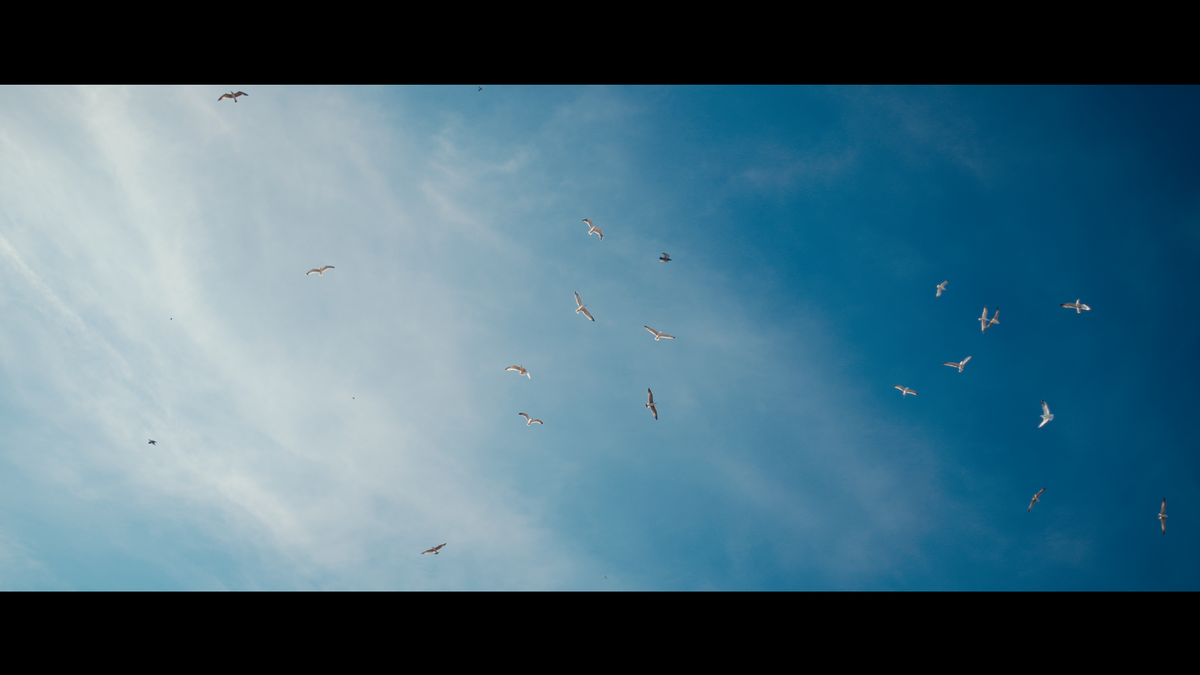
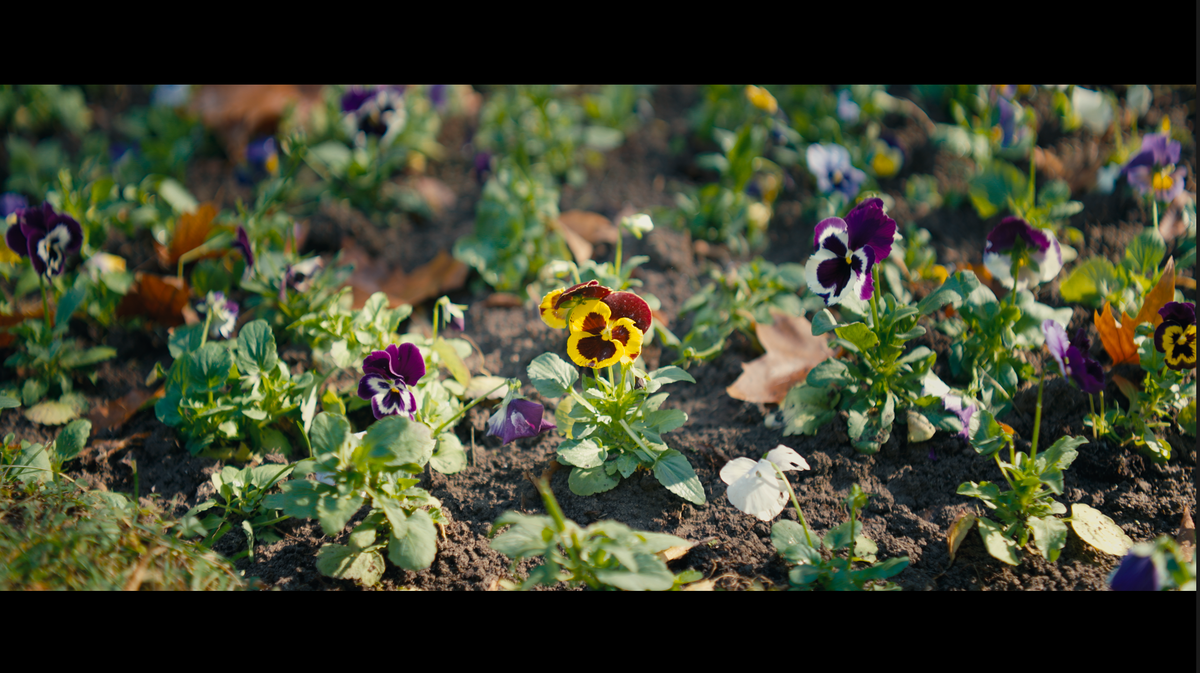
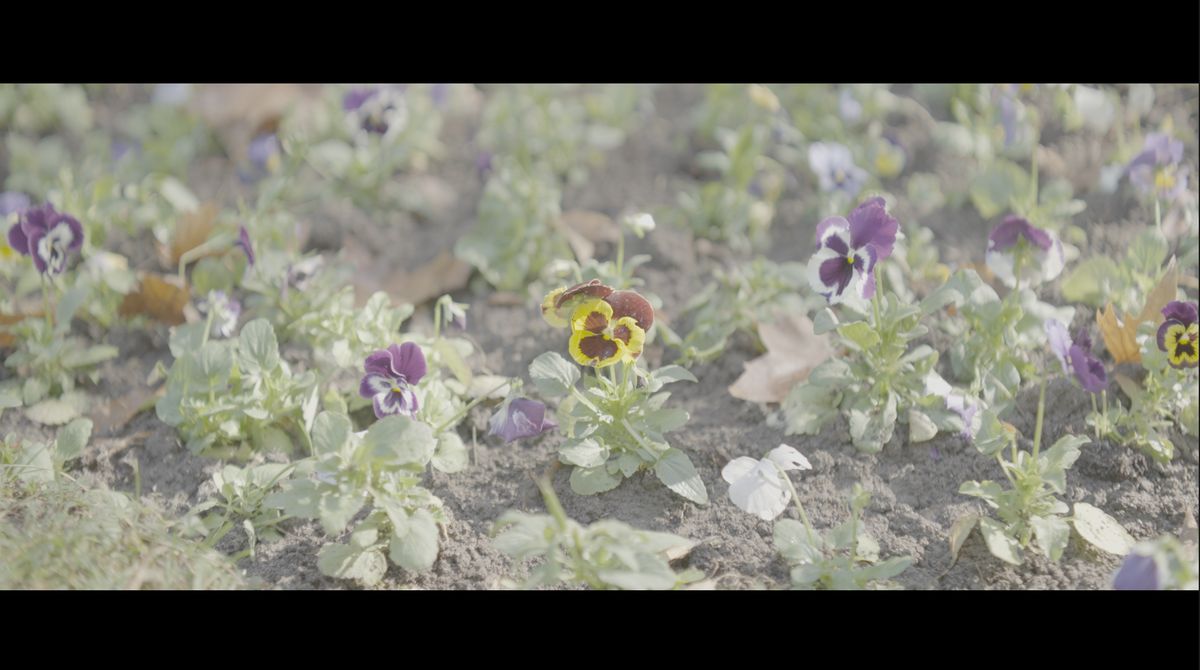
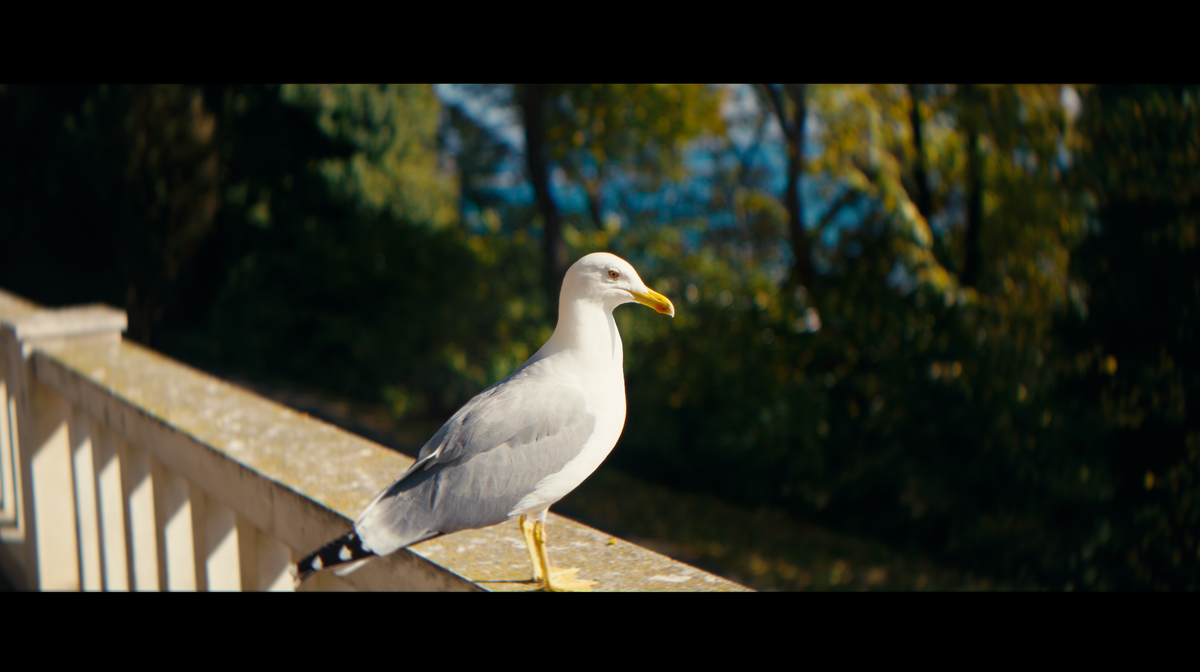
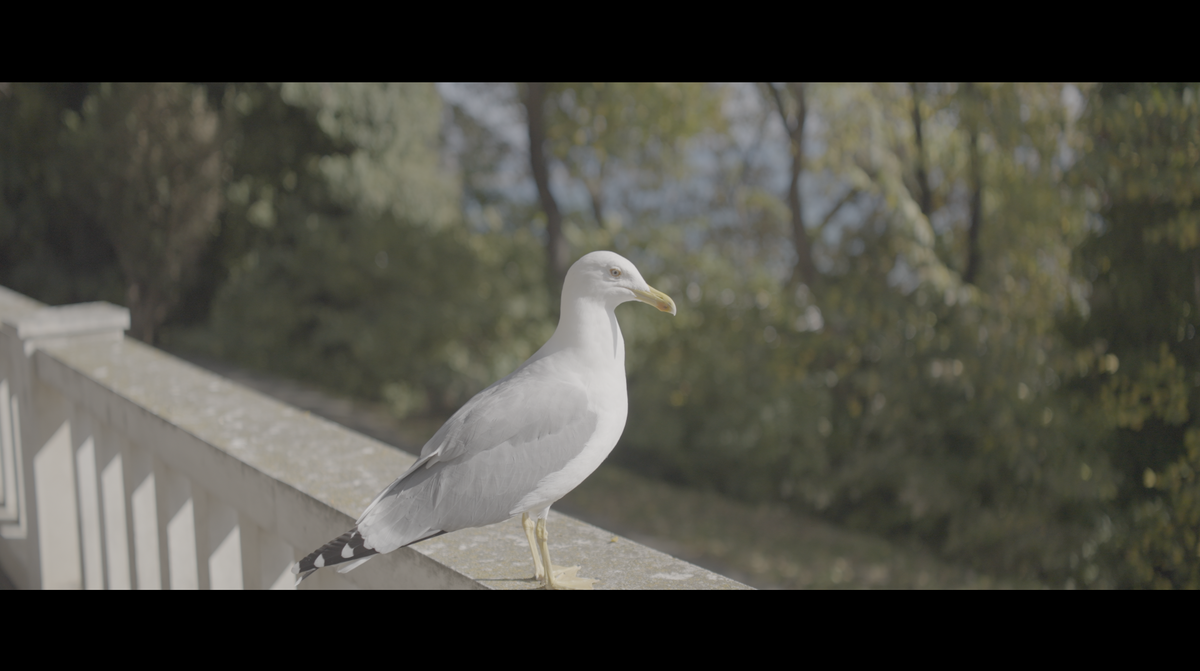
BEFORE / AFTER
WATCH HOW COLOR GRADING CAN COMPLETELY CHANGE THE MOOD OF YOUR VIDEOS - SLIDE TO COMPARE BEFORE & AFTER